ZZZ × Discord: link your account for 30 free Polychromes (even if you had already linked it)
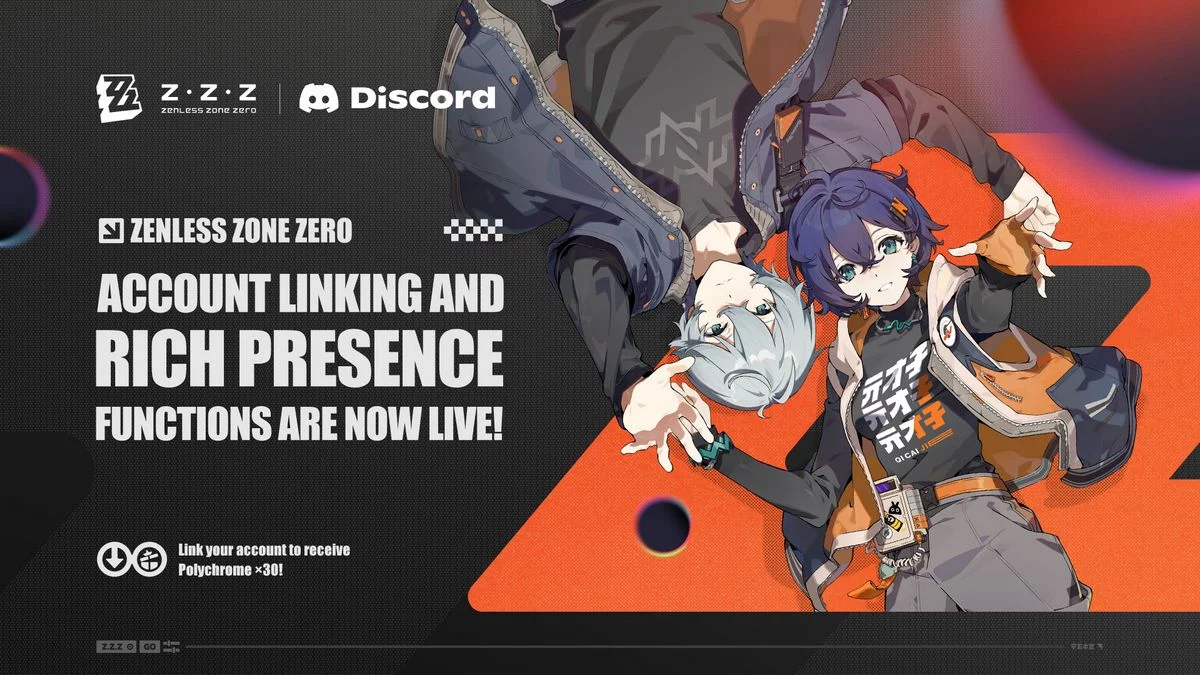
HoYoverse launched a new Discord account linking for Zenless Zone Zero with Version 3.3, together with Rich Presence (your game status shown on Discord). It comes with a linking reward of 30 Polychromes — and the old linking, discontinued on October 14, does not prevent you from claiming it again.
How to get the 30 Polychromes
- In-game, open Options > Account > User Center > Link Account and link your HoYoverse account to your Discord account.
- Then open the official Account Linking Rewards page and claim your Polychrome ×30.
Already linked before?
Proxies who had linked their account with the old function can claim the reward once more: just redo the linking with the new function, then visit the rewards page.
The announcement does not give an end date for the reward.
What the linking does
- Account linking and unlinking: related in-game activity is shown on your Discord profile; you can unlink at any time.
- Discord Rich Presence: once linked and in-game, Discord shows your Zenless Zone Zero status, character info, level, days active and more.
- More game stats: on Discord desktop, hover over the icon to see your number of achievements, Bangboo and Agents owned.
HoYoverse says more functions are in the works, such as Linked Roles and a Game Stats Widget.
Comments 0
No comments yet. Start the conversation!
Log in to comment.
Log in